
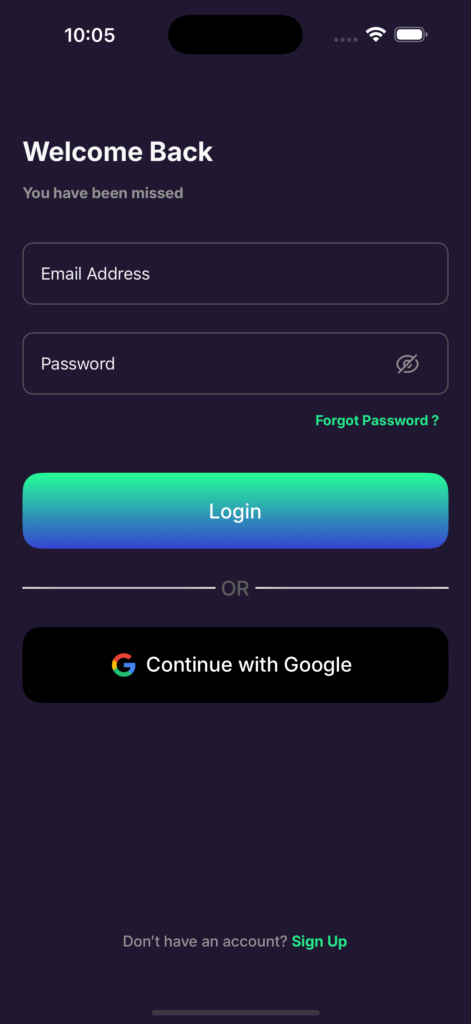
Step 1: Log in to Senti
Open the Senti app and sign in using your email and password. Android users can also sign in via Google OAuth.
Step 2: Go to your Dashboard
Once logged in you will land on your Dashboard — the home screen showing your portfolio sentiment and stock interests.

Step 3: Tap Profile
Tap the Profile icon in the bottom-right corner of the navigation bar.
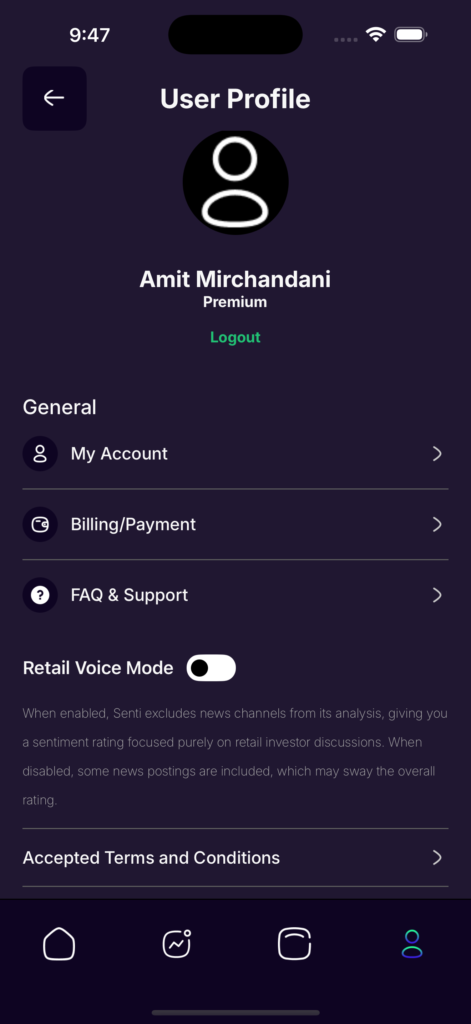
Step 4: Open My Account
Inside your Profile, tap My Account to access your account settings and tap Delete My Account and Data on the bottom of the screen.
If you have an active subscription, the app will show the date deletion takes effect — the end of your current billing period. Free plan users will be deleted immediately.
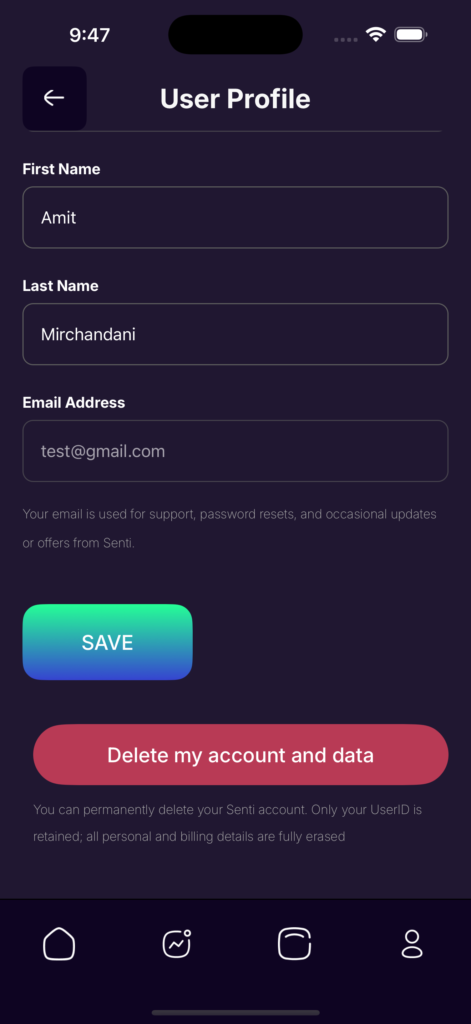
Step 5: Confirm deletion
Tap Confirm on the prompt to complete the process. Your account and all associated data will be permanently removed.